

Latest Version
Daniel Christophis
Security
Linux
Free
com.github.d4nj1.tlpui
Report a Problem
More About TLP-UI
Managing laptop battery life on Linux has always been a top priority for mobile professionals, and the TLP-UI configuration utility makes this complex task incredibly simple.
Developed by Daniel Christophis, this open-source application provides a highly intuitive graphical interface for TLP, the premier command-line power management tool for Linux systems. Instead of forcing users to manually edit configuration files in a terminal, this utility brings all critical power-saving settings into a clean, structured visual layout.
Why Use the TLP-UI Configuration Utility?
While the standard TLP daemon runs silently in the background to optimize battery consumption, customizing its behavior usually requires terminal-based configuration. The TLP-UI configuration utility bridges this gap by offering several distinct advantages:
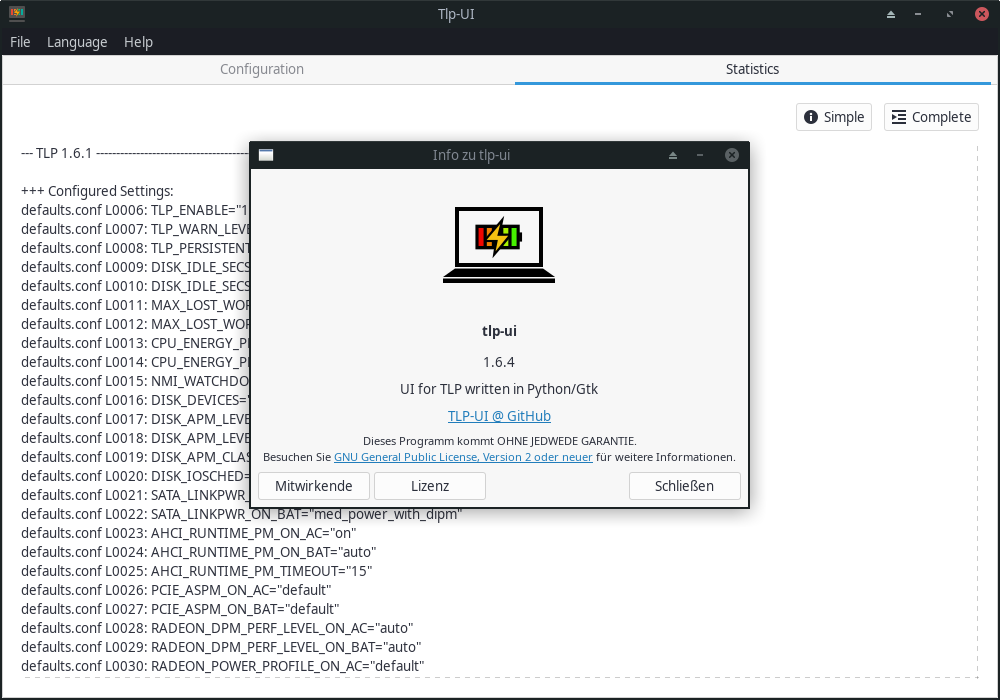
- Visual Configuration Overview: Instantly view all active power management settings and understand their current parameters.
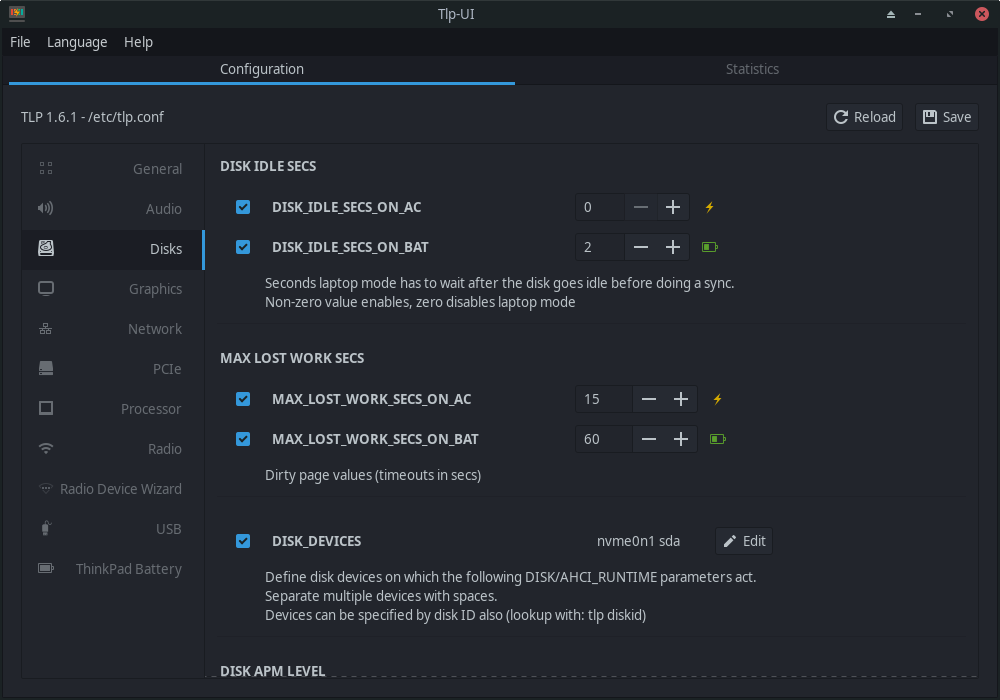
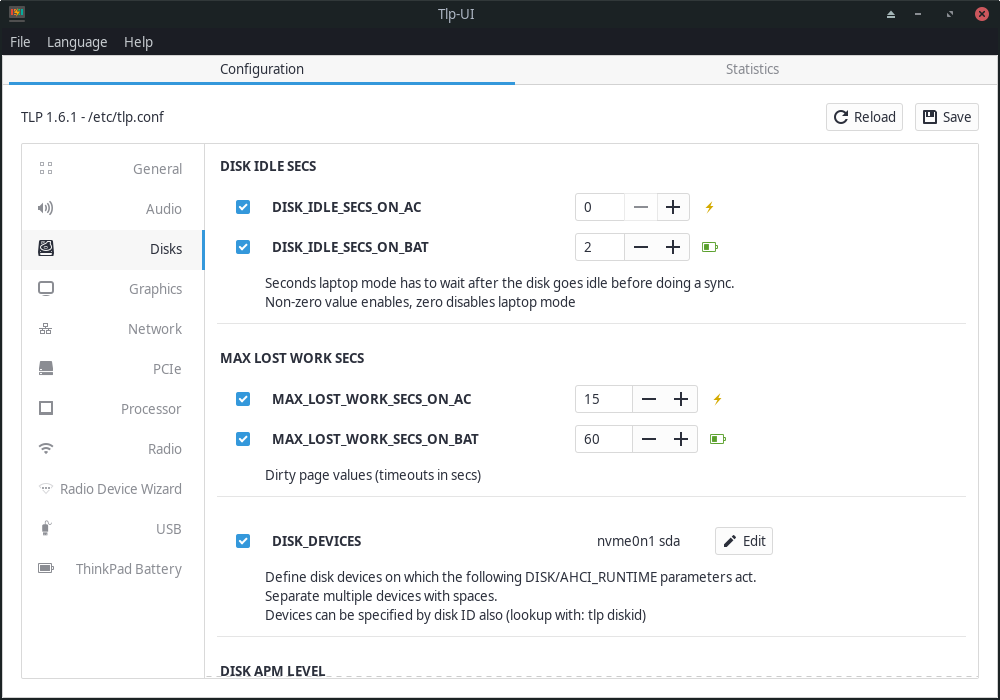
- Simplified Value Editing: Easily change complex battery thresholds, CPU scaling governors, and device power states with a few clicks.
- Validation Checking: The interface provides a basic overview of all valid configuration values, preventing configuration errors before they are applied.
- No Terminal Required: Toggle advanced PCI Express, USB, and audio power-saving features without typing a single line of code.
Who Is This Tool For?
This software is ideal for Linux laptop users who want to maximize their battery life without dealing with complex text-based configuration files. Whether you are a developer working on the go, a student attending lectures, or an IT administrator deploying Linux fleets, this utility ensures your hardware runs efficiently under any power state.
Streamlined System Optimization
By categorizing settings into logical tabs, the application allows users to quickly target high-impact areas such as CPU performance scaling, radio device switching (Wi-Fi and Bluetooth), and hard drive spin-down times. Having a visual display of these options makes it much easier to balance system performance with daily battery longevity.
Get Started with TLP-UI
If you are ready to take full control of your Linux laptop's power profiles, we highly recommend exploring this graphical tool. To read more about the application or to check out the software for your system, visit its official page on Flathub today.
Rate the App
User Reviews
Other Apps in This Category







Popular Apps










Editor's Choice