

Latest Version
LastPass US LP.
Security
Windows
Free
9pbs27gphv34
Report a Problem
More About LastPass for Desktop
The Struggle of Modern Password Management
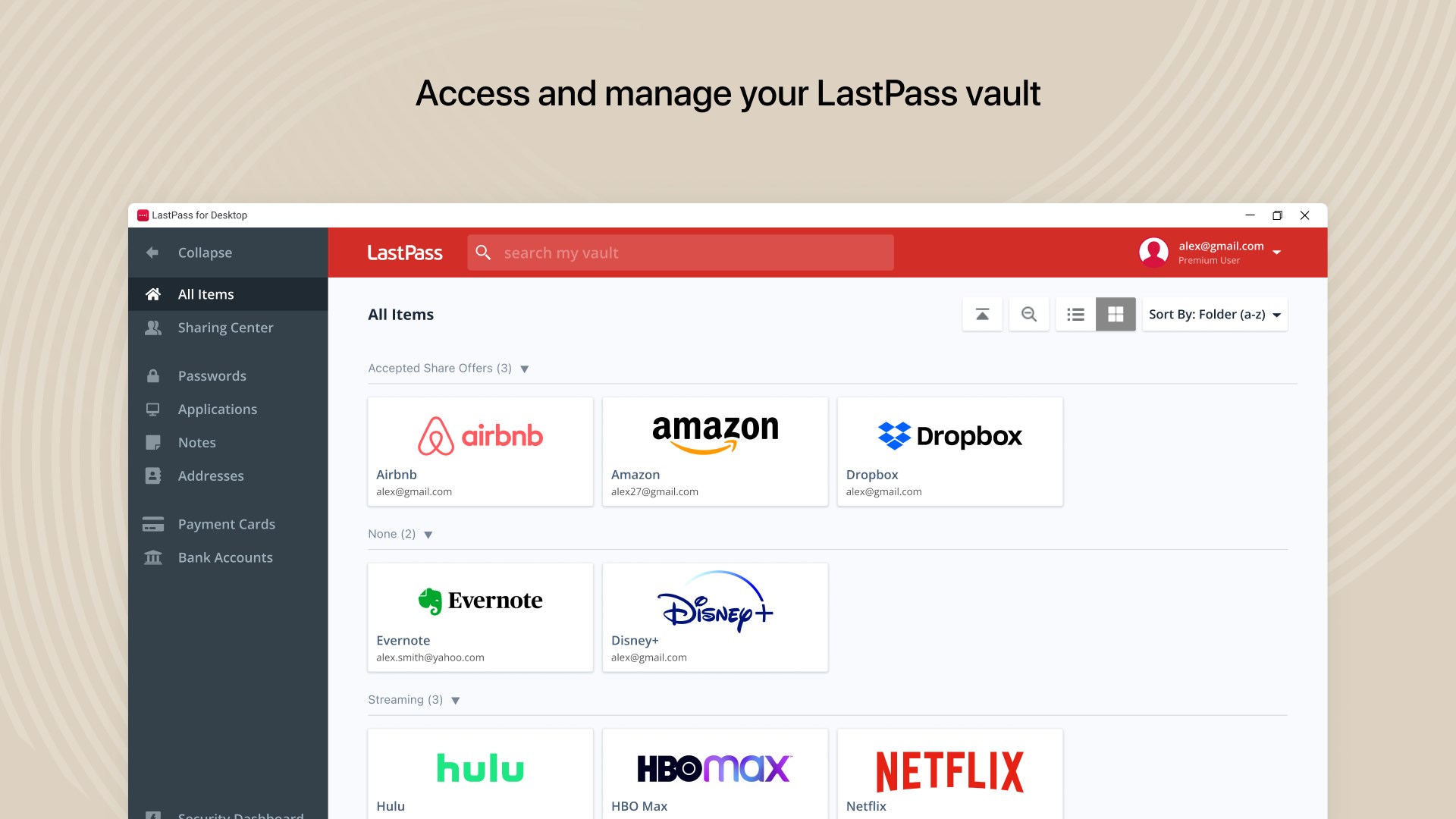
In today's hyper-connected world, we navigate dozens of accounts daily, each requiring a strong, unique password. Memorizing them all is impossible, and reusing the same simple phrase is a massive security risk. LastPass for Desktop password manager solves this exact problem for Windows users, offering a centralized vault that secures your credentials while keeping them instantly accessible.
Introducing the QuickFill Companion
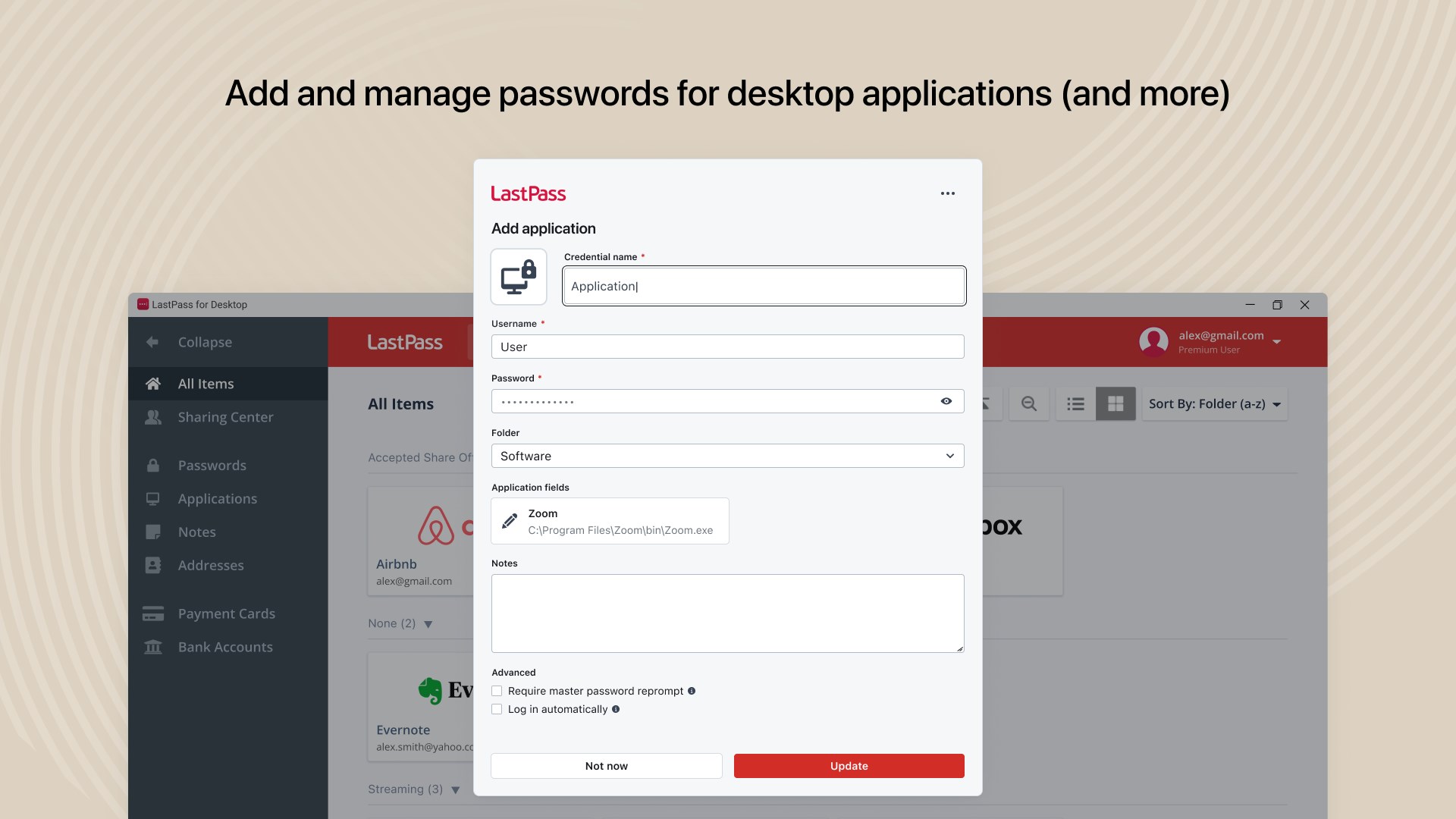
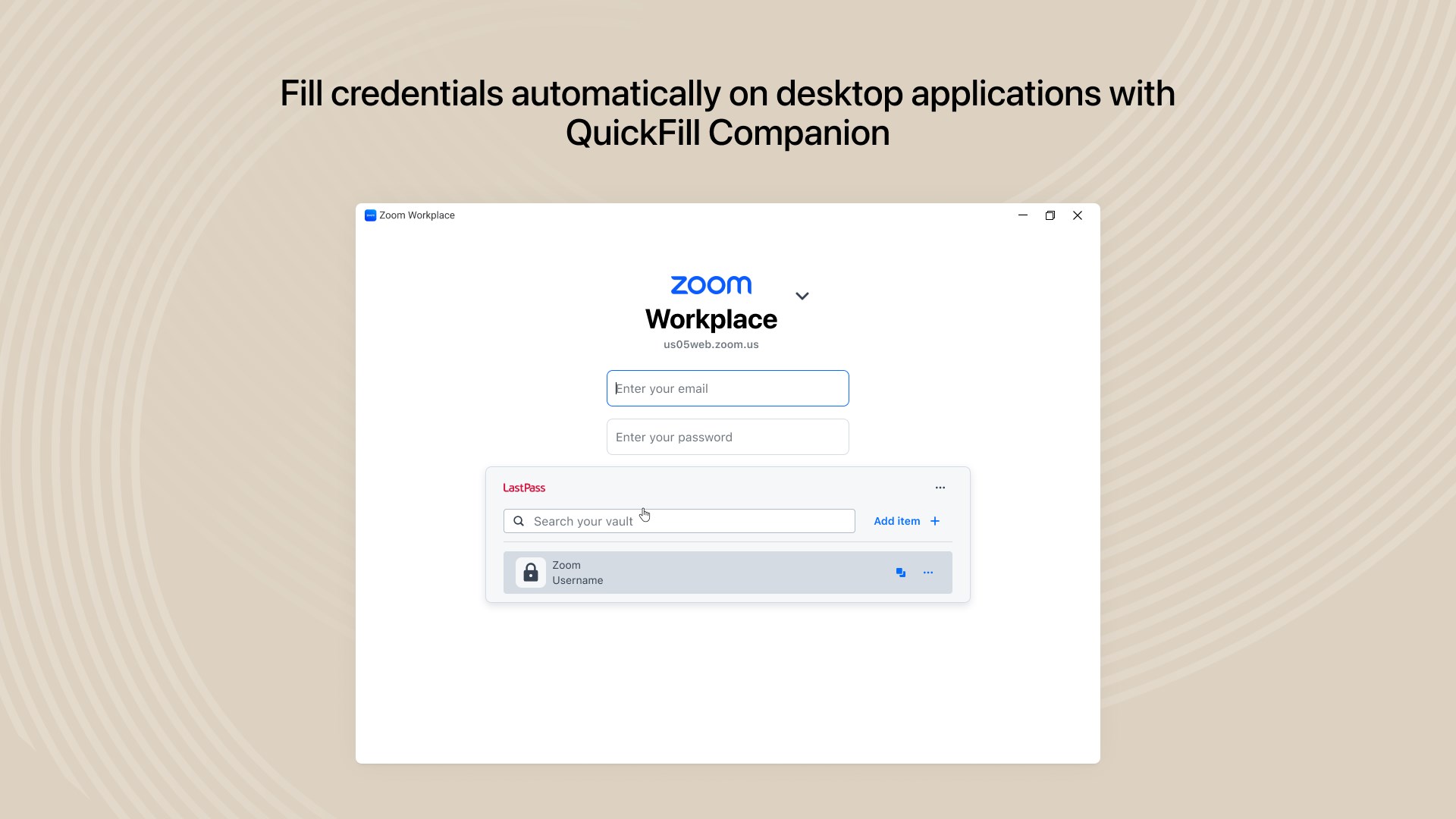
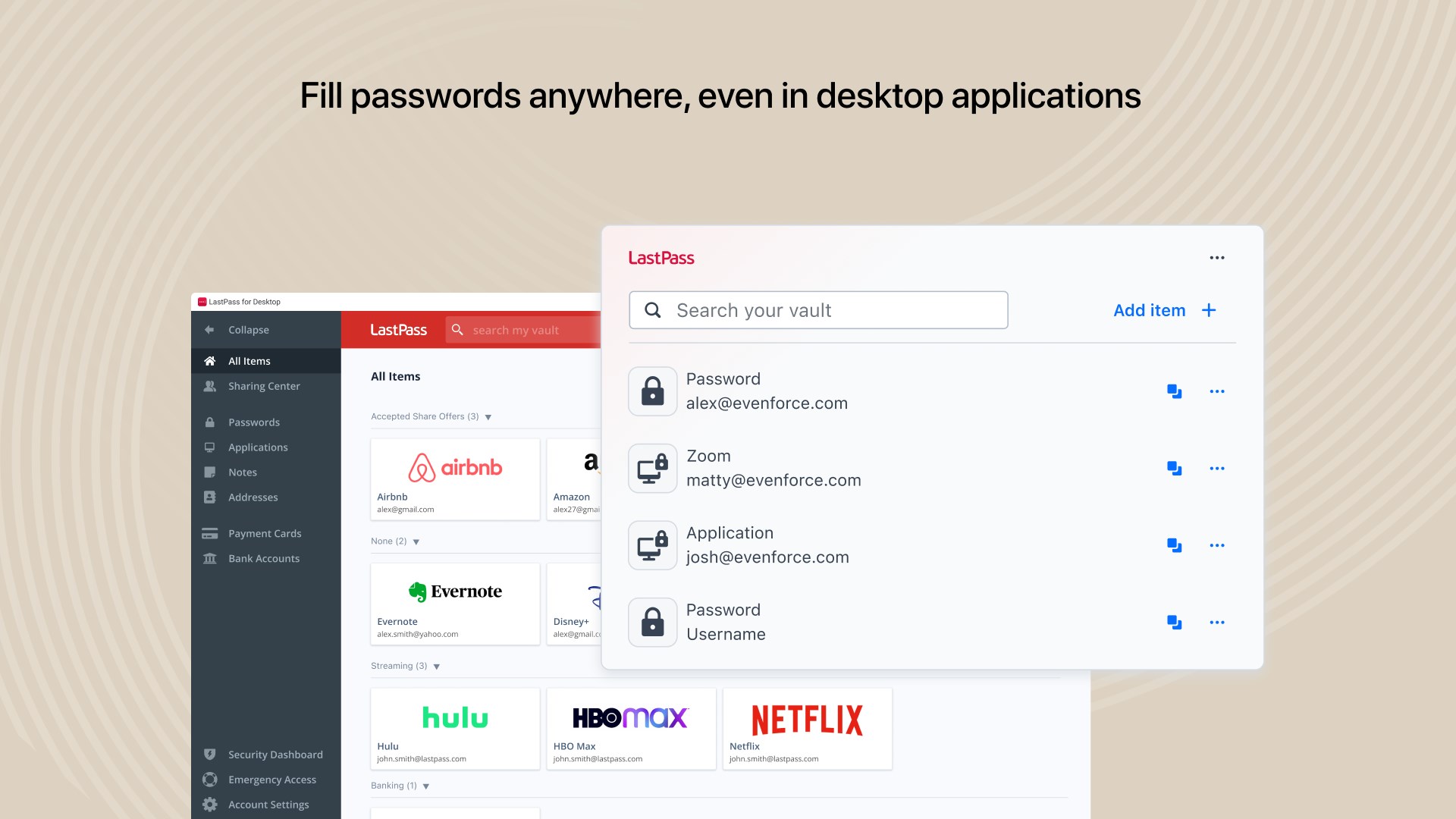
What sets the LastPass for Desktop password manager apart from traditional browser extensions is its native integration with Windows. The app introduces the QuickFill Companion, a lightweight, floating widget that brings the ease of autofill beyond your web browser. This means you can now seamlessly populate credentials directly into native desktop applications, saving you from constant copying and pasting.
Key Features of LastPass for Desktop
- Encrypted Digital Vault: Store passwords, payment cards, secure notes, and insurance information in one highly secure location protected by AES-256 encryption.
- Seamless Autofill: Use the QuickFill Companion to log into both websites and desktop applications instantly without opening a browser.
- Robust Password Generator: Create complex, uncrackable passwords on the fly to replace weak, repetitive credentials.
- Built-in Multi-Factor Authentication (MFA): Add an extra layer of protection to your vault to block unauthorized access attempts.
- Secure Sharing: Safely share credentials and notes with trusted family members, friends, or team members.
Enterprise-Ready Configuration
For organizations deploying this tool across corporate environments, LastPass US LP. has built-in support for federated login. It accommodates complex enterprise setups, including Azure and Okta integrations with or without PKCE (Proof Key for Code Exchange) enabled. This ensures that IT administrators can maintain strict security policies while providing employees with a smooth single sign-on experience.
Is It Right for You?
If you are tired of resetting forgotten passwords or want to secure your sensitive personal data without interrupting your workflow, this app is a highly capable assistant. By securing everything under one Master Password, it balances elite-tier security with daily convenience. To explore this tool further and set up your secure vault, visit the official Microsoft Store page for LastPass for Desktop.
Rate the App
User Reviews






Popular Apps








Editor's Choice