

Latest Version
Luke Horwell
Security
Linux
Free
app.polychromatic.controller
Report a Problem
More About Polychromatic
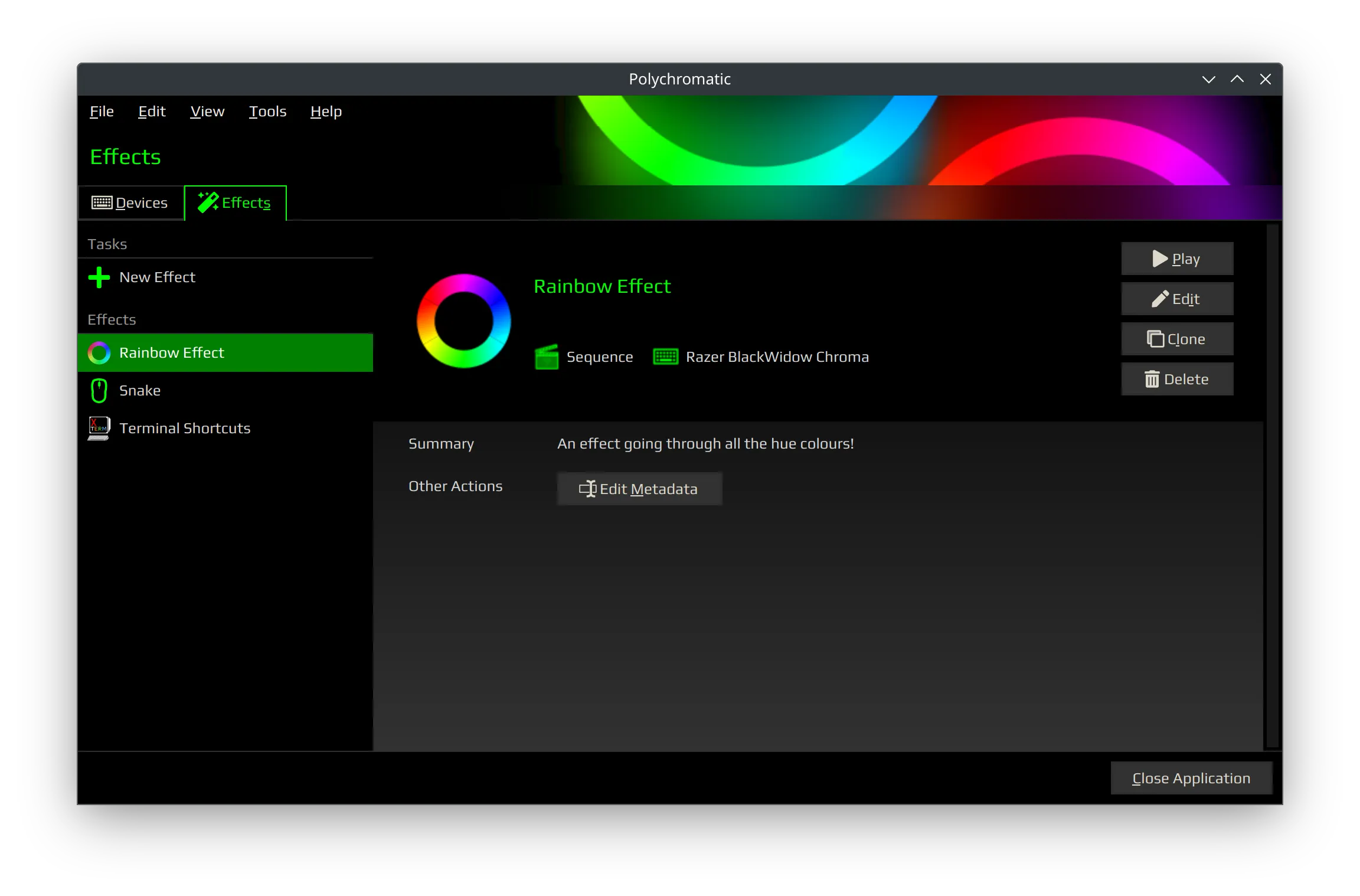
If you are a Linux user with a desk full of high-end gaming gear, you have likely faced the challenge of managing your hardware's aesthetics and performance without official vendor software. Enter Polychromatic RGB lighting management, a powerful, dedicated front-end utility designed to put you back in control of your Razer peripherals under Linux environments.
Take Control of Your Desktop Ambiance
Created by developer Luke Horwell, Polychromatic serves as an intuitive graphical interface that bridges the gap between your operating system and your hardware. By leveraging the capabilities of your device's onboard firmware, this utility allows you to configure keyboards, mice, keypads, headsets, and even laptops without needing Windows-only proprietary suites.
Key Features of Polychromatic RGB Lighting Management
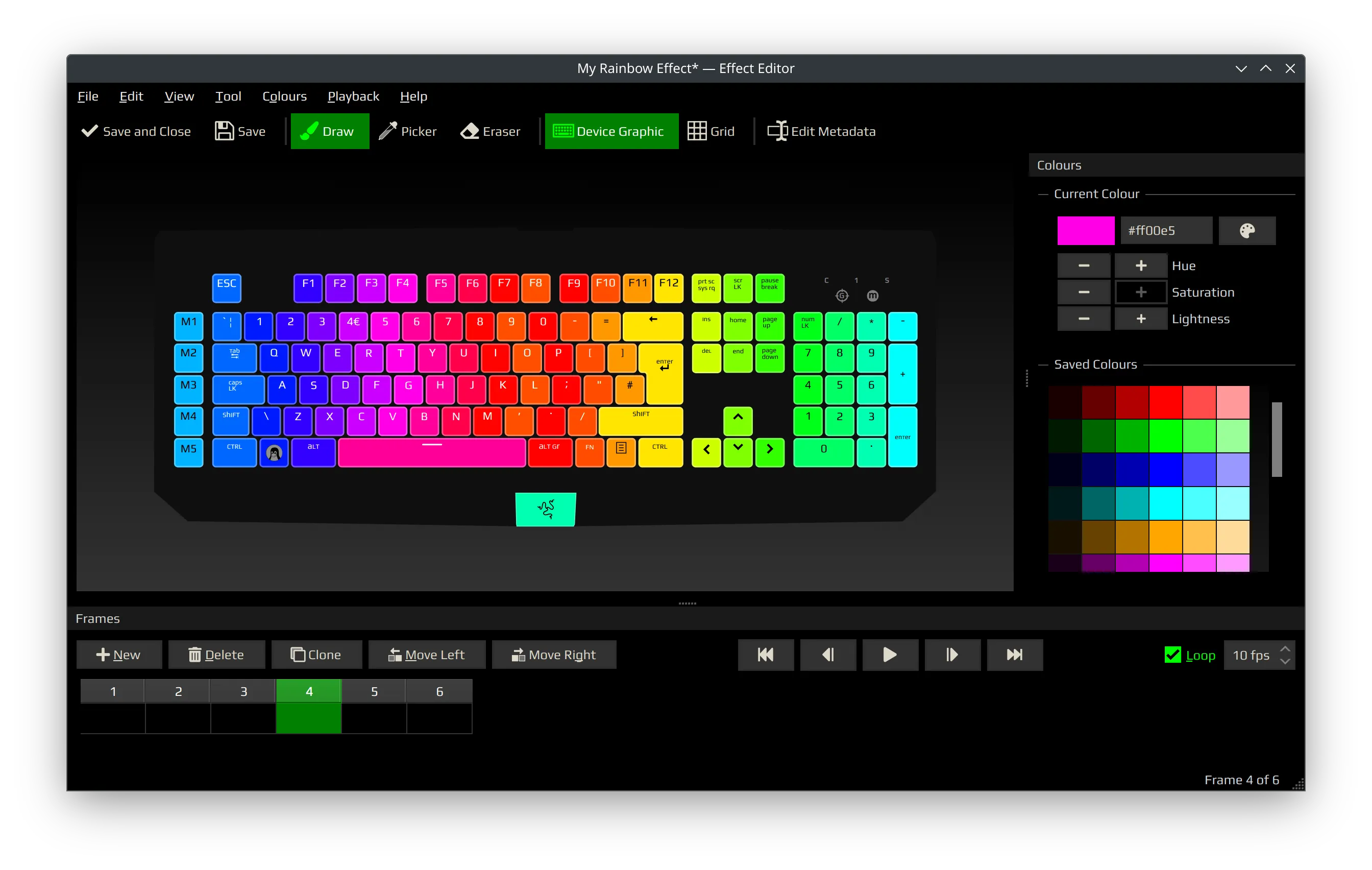
- Advanced Lighting Customization: Design personalized lighting effects, custom animations, and static zones using the built-in effect editor—perfect for mapping keys to specific games or creating a productivity-focused ambient setup.
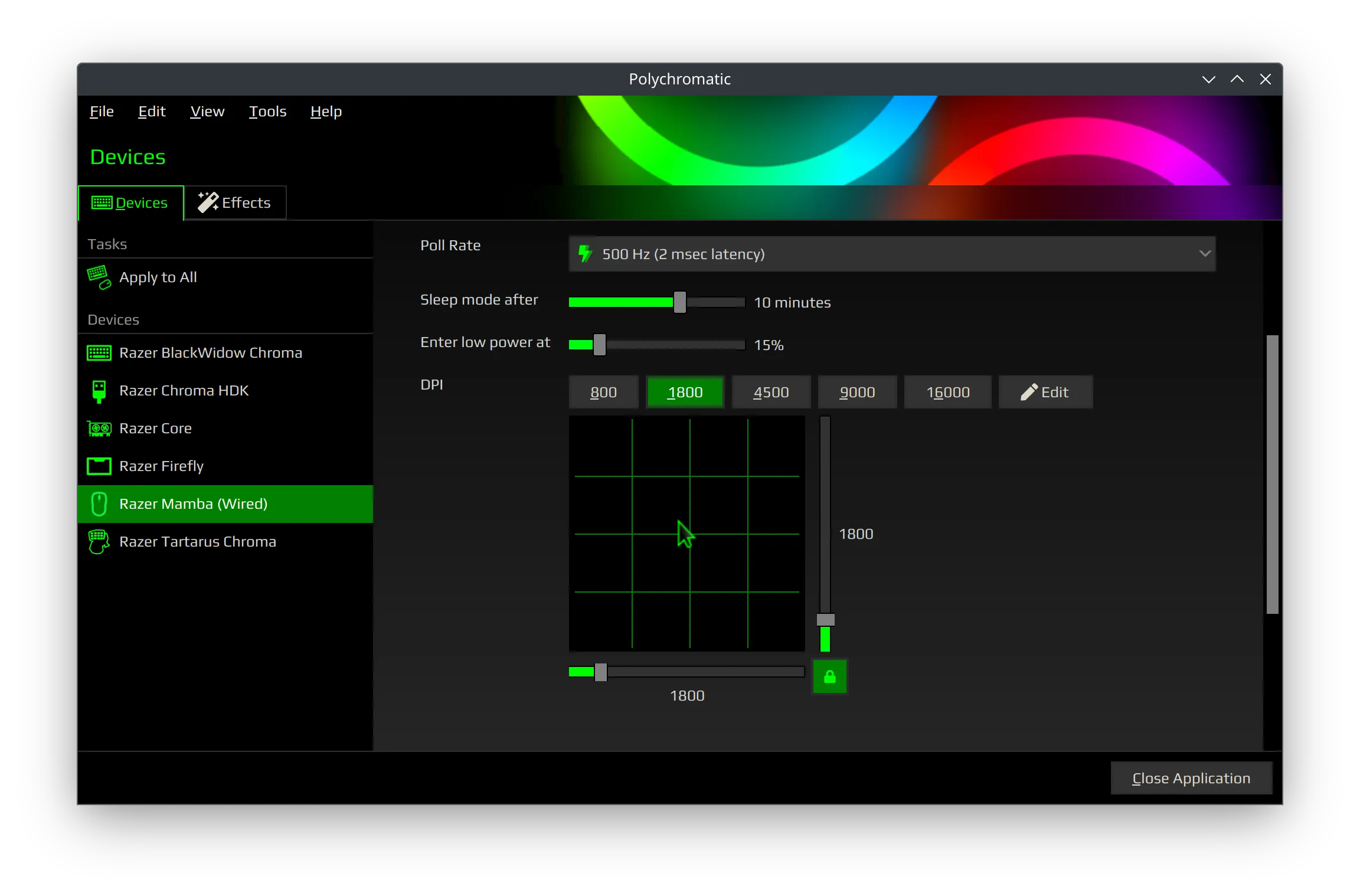
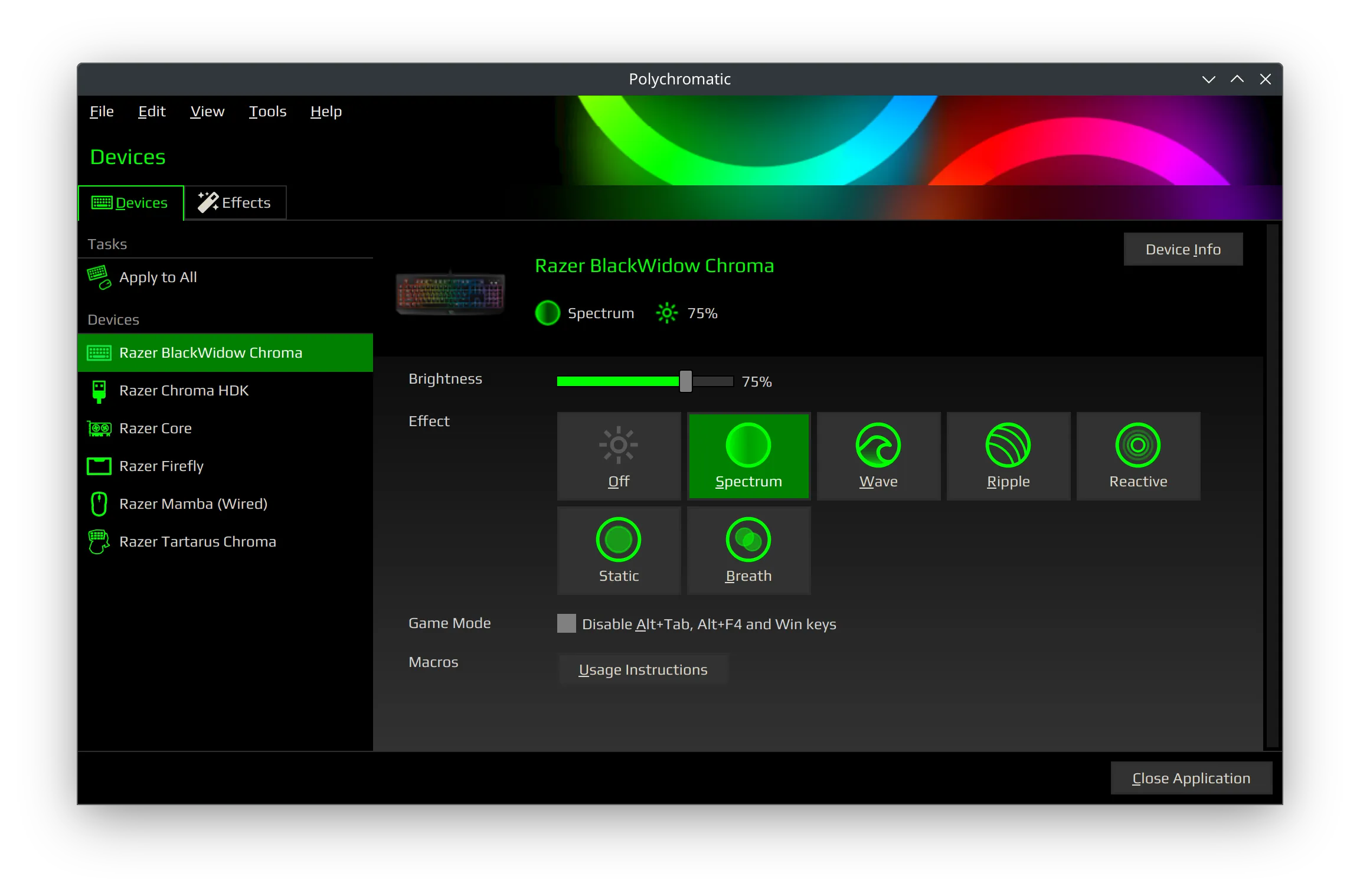
- Granular Hardware Tweaking: Adjust crucial performance metrics directly from the interface, including DPI sensitivity, polling rates, brightness levels, and hardware-specific toggles like Game Mode.
- Real-Time Device Diagnostics: Easily monitor essential hardware telemetry such as firmware versions, serial numbers, real-time battery percentages, and run diagnostic tests on individually addressable LEDs.
How It Works Under the Hood
To deliver seamless performance, Polychromatic relies on the OpenRazer driver framework installed on your host Linux distribution. Because hardware compatibility depends directly on your active version of OpenRazer, the application acts as a clean, reliable, and native-feeling dashboard that translates your visual choices into low-level device commands instantly.
Is Polychromatic Right for You?
For Linux enthusiasts who refuse to compromise on their gaming setup's appearance or functionality, this application is an essential addition to your utility belt. It eliminates the frustration of unconfigured hardware, giving you the premium desktop experience your devices were built to deliver.
Ready to elevate your Linux workspace? You can explore the application further and find setup instructions on its official page on Flathub.
Rate the App
User Reviews
Other Apps in This Category







Popular Apps










Editor's Choice